




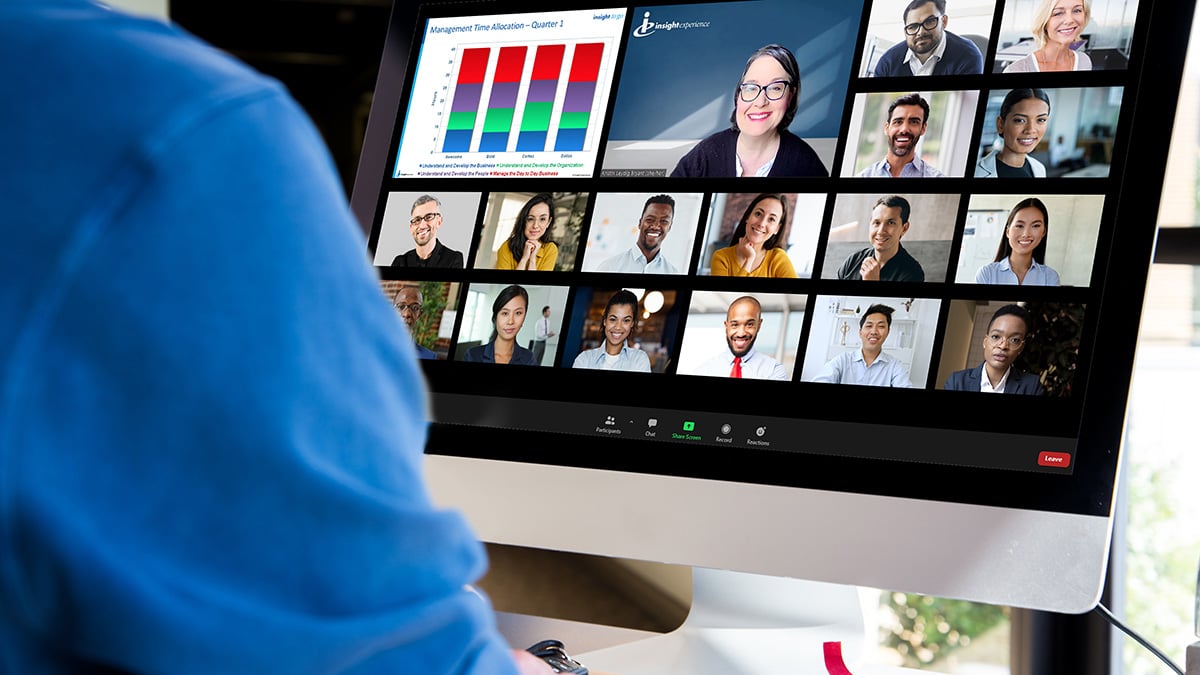
Our world is virtual. What does this mean for learning and development — and, specifically, for facilitators?
Virtual development programs have opened the door to different audiences and geographies, while saving time and the expense of traveling to events. However, virtual programs come with unique and very real challenges. As a facilitator, you rely on a well-formed set of skills to engage and motivate your audiences. In a virtual environment, you have less visibility into how your audience is tracking — body language, side conversations, signs of confusion — and fewer ways to interact with them directly. You are having to shift.
Here are three essential components — the “three P’s” — that will help ensure a successful program, no matter where or how it is conducted.
Preparation
Preparation in the age of virtual is both simpler and more complex. On the one hand, you no longer need to worry about the logistics of arriving in person, setting up a classroom space, and getting connected to the Wi-Fi on-site.
On the other, there is far less time to connect with your audience, and every second counts. Not only do you want your programs to flow seamlessly, but in virtual environments a technical glitch can cost precious time, diminish audience engagement, or even be a complete showstopper. While some issues cannot be avoided, you can — and should — have a contingency plan. Thinking through potential pitfalls ahead of time can help you avoid them altogether.
In the virtual world, time is one of the scarcest commodities — logging on for a meeting at the appointed time actually means you’re late. To make sure you're ready before participants arrive:
-
Complete or pause all computer updates. Updates have been known to shut down computers without warning.
-
Secure a backup internet source in case you get disconnected. A phone hotspot will work.
-
Test the virtual platform link and any software, videos, or external links before you plan to use.
-
Practice facilitating first, with multiples screens if that's your setup. One of our expert facilitators has mastered using three monitors: one for the presentation, one for notes and time, and one to see participants.
A Plan
In person, you could improvise. If something wasn't clear, you could intervene on the spot, bring the room back together, or let a participant quietly pull you aside with a question. In a virtual environment, those individual interactions are much harder. When there's a question or a problem, all eyes are on you. A solid plan and clear communication can eliminate most of those moments before they happen.
-
Pre-program communications are essential. Your audience needs to know how to access the meeting, what you'll be covering, and in some cases, who will be attending. This helps them prepare and arrive in the right frame of mind.
-
Communicate directions for activities both verbally and in writing — on a slide, in the chat, or via email. If participants are joining from different organizations or regions, ask about industry-specific language ahead of time to avoid confusion. .
-
A timed agenda keeps you on track while still leaving room for participants to learn from one another. Use it to pace yourself, but stay flexible.
-
Build in planned interactions. Insight Experience facilitator Kristin Leydig Bryant recommends giving participants something to do every six minutes — this keeps attention high and gives you real-time feedback on how the experience is landing. A few easy approaches:
-
Use the annotate function to have participants respond to a question.
-
Use a "chat waterfall" — ask participants to type a reaction but hold off submitting until you give the signal. This encourages participation without putting anyone on the spot.
-
Ask participants to turn their cameras off, then back on when a question or statement is true for them.
-
A Partner
Even if you are presenting internally to your own team, consider who can help if needed. If you plan to divide people into smaller groups or ask participants to respond in the chat, having someone manage those pieces while you continue to host keeps the event running smoothly and lets you stay focused. Your partner can also keep things moving if you need a break or have to address an issue.
Whether you're thrilled or a bit anxious about virtual facilitation, these three P's help keep the focus where it should be: on the learning. At Insight Experience, we've used virtual facilitation to reach larger, more diverse, and more dispersed audiences — training thousands of leaders around the world. Learn more about our expert virtual facilitators and programs.